 By Faizyab Ahmed
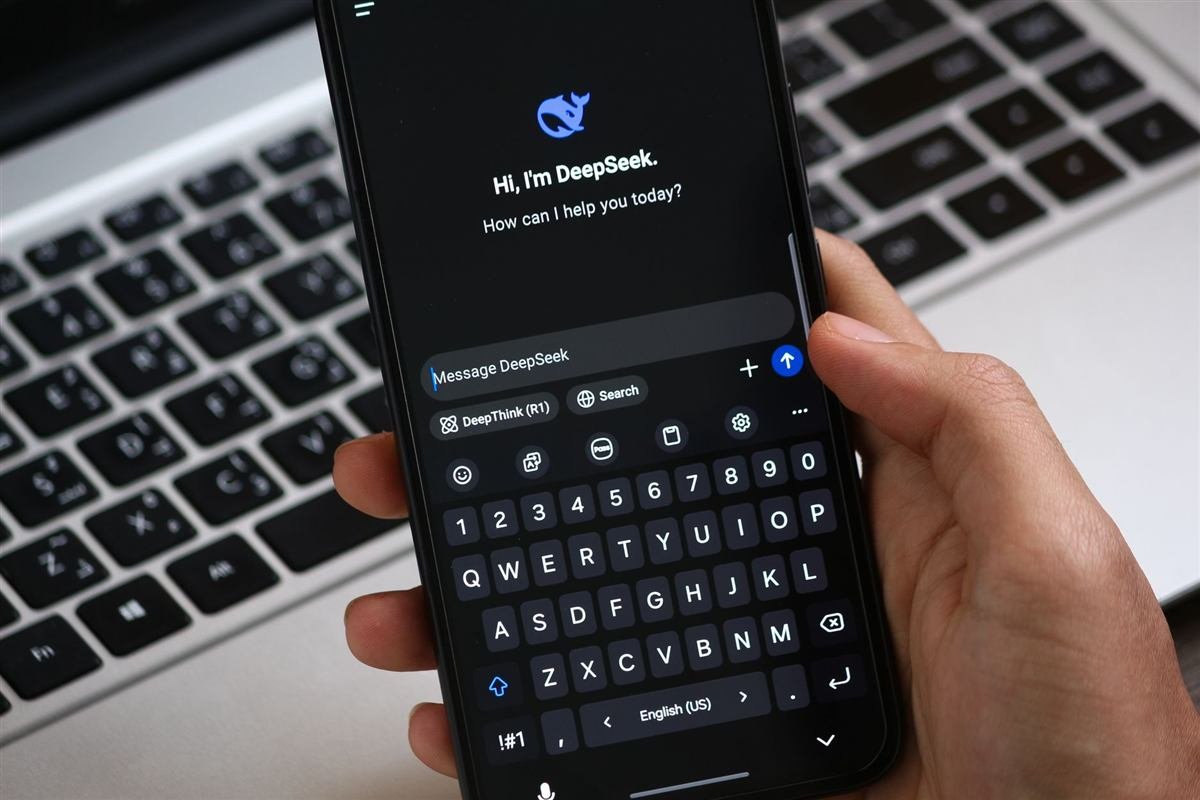
The short version: people now ask ChatGPT, Gemini and Copilot for recommendations, then click through to the sites they mention. Until recently most of those visits disappeared into "Direct" traffic in Google Analytics, so business owners couldn't tell whether AI was sending them anyone. That's changing. Google Analytics 4 now has a built-in AI Assistant channel, and at the start of October Gemini started adding tracking tags to links it sends out. You can now see a real, if incomplete, number for your own site in a few minutes, with nothing to install.
What Changed
| Change | Status | What it means for you |
|---|---|---|
| AI Assistant channel in GA4's default channel group | Listed in Google's official documentation | Visits from sources like ChatGPT, Gemini, Deepseek, Copilot and Grok get their own row in your reports |
| Gemini adds tracking tags (UTM parameters) to some outgoing links | Spotted around October 1, 2026. Google hasn't documented it. | Gemini visits that used to look like Direct traffic can now be identified, even from the mobile app |
ChatGPT adds utm_source=chatgpt.com to links in answers that use web search | Already in place | ChatGPT clicks from cited sources are usually labelled, but links from answers that don't use web search often aren't |
One thing to know up front: according to Google's channel definitions, the AI Assistant channel excludes Google's own AI Overviews and AI Mode. Clicks from those still count as Organic Search. So this channel tells you about third-party chatbots, not about Google's AI answers. For those, use the Generative AI report in Search Console, which we covered in our post on the Search Console AI visibility report.
How to See Your AI Traffic in Two Minutes
- Open Google Analytics and go to Reports → Acquisition → Traffic acquisition.
- Make sure the table is grouped by Session primary channel group (Default channel group).
- Look for the row called AI Assistant. If it isn't there, you haven't had any recognised AI visits in the date range. Try the last 90 days.
- To see which assistant sent each visit, add a secondary dimension of Session source. You'll see values like
chatgpt.comorgemini. - Then switch the report to Landing page, filtered to the AI Assistant channel, to see which pages the chatbots are sending people to.

The landing-page view is usually the most useful part. If ChatGPT keeps sending people to one service page or blog post, that page is being quoted. It's worth keeping it accurate and making sure it has a clear next step for the visitor.
Why the Number Is Still Too Low
Treat whatever you see as a minimum, not the full picture. GA4 recognises AI visits mostly from the referrer, the page a visitor came from, plus any tracking tags on the link. Both can go missing:
- Apps often don't pass a referrer. A tap on a link inside a chatbot app can arrive with no source at all and get counted as Direct.
- Not every link is tagged. ChatGPT tags links in answers that use web search, but not every link it shows. Gemini's tagging is new and undocumented, and Google hasn't said which links get it.
- Tags can break. When an AI tool changes how it builds links, tagging can stop for a while without notice. Some site owners reported this in October.
- People copy and paste. Someone who copies your business name from a chat and searches it on Google shows up as Organic Search, not AI.
So if your AI Assistant row shows 12 visits a month, the real number is probably higher. What matters is whether it grows over time.
Catch What the Default Channel Misses
Google hasn't published the full list of assistants it recognises. If you see AI tools showing up under Referral in your reports, for example perplexity.ai or claude.ai, you can group them yourself:
- Go to Admin → Data display → Channel groups and create a new channel group (copy the default one).
- Add a channel called something like "AI Chatbots" with the condition Source matches regex:
chatgpt|openai|gemini|perplexity|claude|copilot|deepseek|grok - Drag it above Referral in the list, so it's checked first.
Custom channel groups also apply to past data, which makes them handy for checking the months before the AI Assistant channel existed.
One Mistake to Avoid
Don't add utm_source=gemini or utm_source=chatgpt.com to your own links, newsletters or ads. Those tags are added by the AI tools themselves. Copying them onto your own links labels ordinary visitors as AI traffic and makes the report useless. Tag your own campaigns with your own names, like utm_source=newsletter.
What to Do With the Numbers
- Write down this month's AI Assistant sessions and the top landing pages. This is your baseline.
- Check whether those visitors take action. Look at form submissions, calls or WhatsApp clicks from the AI Assistant channel. A small channel that converts well is worth more than a big one that bounces.
- Improve the pages AI already sends people to. Put a direct answer near the top, state your pricing or process honestly, and add a clear call to action.
- Make more pages worth quoting. Chatbots cite pages that answer one question clearly. Our guide to AI search optimization covers what makes a page easy to cite.
- Check again every month alongside your Search Console AI report, so you're comparing like with like.
The Honest Bottom Line
For most small business sites, AI chatbots are still a small source of visitors next to Google search. But it's no longer an invisible one. You can now see roughly how many people arrive from ChatGPT, Gemini and Copilot, which pages they land on, and whether they become leads. Ten minutes in Google Analytics each month is enough to know whether it's growing, and which of your pages the AI tools trust.
If you'd like help setting this up, or turning the pages AI already quotes into ones that bring in enquiries, our Digital Marketing packages include analytics setup and a monthly report built from your own data.
Sources: Google Analytics Help, "Default channel group"; Search Engine Journal, "Google Gemini Adds UTM Parameters For Referral Attribution" (October 1, 2026). AI tools change how they link without notice, so check your own reports rather than relying on any fixed rule.